


Shutterstock Essentials: What Designers Should Know
.png)
Shutterstock is a name that echoes through the corridors of the graphic design industry, synonymous with an expansive selection of images, vectors, and multimedia content. But beyond its reputation, what concrete facts do you need to arm yourself with to make the most of this platform? For instance, are you aware that Shutterstock's library extends beyond the 300 million mark, providing a vast array of choices for your design projects? It's not just the quantity that's impressive, but the quality and diversity of content that can be the difference between a good design and a great one. Yet, the question stands: How can you sift through this massive collection efficiently and effectively to find exactly what you need for your next project?
As a graphic designer, your toolkit is incomplete without a thorough understanding of the resources at your disposal. This includes a clear grasp of the licensing terms that govern the use of Shutterstock's content—knowledge that can protect you and your clients from legal pitfalls. And when it comes to subscription plans, do you know which pricing model aligns best with your workload and financial plan? Moreover, Shutterstock isn't just a static library; it offers a suite of tools and features specifically designed to enhance the workflow of designers like you. Are you taking full advantage of these tools to speed up your design process and improve the final product? Lastly, staying current with design trends is crucial, and Shutterstock can be an invaluable source of inspiration. But how do you tap into this resource to keep your work fresh and relevant? If these are the kinds of practical details you're seeking, this blog post is tailored to shed light on these key aspects of using Shutterstock to its fullest.
1. Understanding Shutterstock's Extensive Library
Shutterstock is a treasure trove for graphic designers, offering a vast collection of over 300 million creative assets that are royalty-free and ready to use. This massive library is a dynamic resource that grows weekly with hundreds of thousands of new pieces, ensuring that designers always have access to the most current and diverse content for their projects.
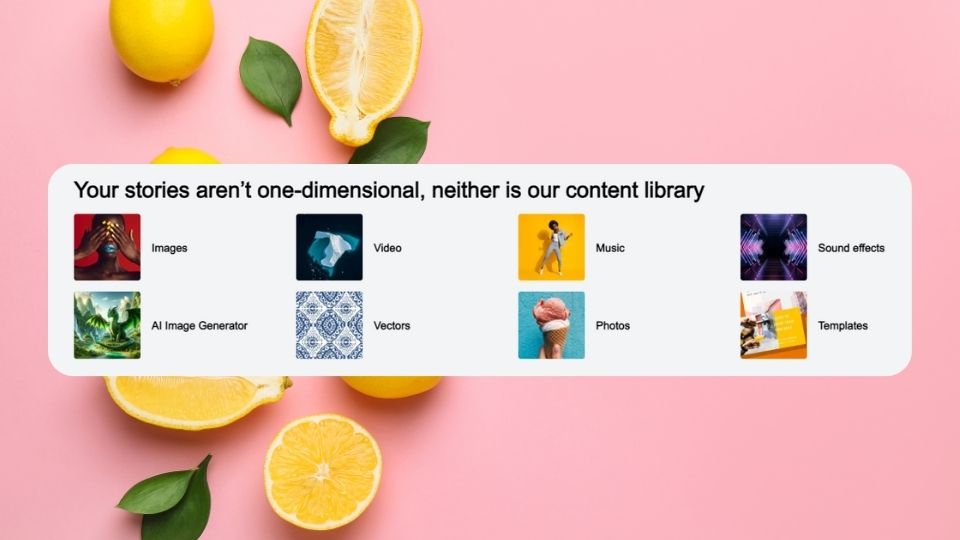
Type of Content Available:
- Images: Shutterstock's image repository is nothing short of impressive, featuring high-resolution photographs across a multitude of categories. Whether you are looking for stunning landscapes, urban scenes, lifestyle imagery, or niche subjects, the platform caters to every conceivable theme. These images come in various sizes and resolutions, making them suitable for everything from web graphics to large-scale prints.
- Vectors: For those projects that demand scalability without loss of quality, Shutterstock provides an extensive selection of vector graphics. These vectors are indispensable for print and web designs, as they can be resized to any dimension without any pixelation. They are ideal for logos, icons, and detailed illustrations that require a clean and professional look.
- Illustrations: When your design calls for a touch of artistry or whimsy, Shutterstock's illustrations are the perfect resource. These creative pieces range from hand-drawn sketches to intricate digital artworks, covering a wide array of styles and themes. They can add personality and a unique visual appeal to your projects, whether you're designing a book cover, a website, or promotional materials.
- Video Clips: The platform also caters to the growing demand for multimedia content with its collection of short video clips. These clips are perfect for enhancing motion designs, presentations, or social media content. They cover a broad spectrum of subjects and styles, from cinematic footage to animations, and are available in various resolutions and frame rates to suit different project needs.
- Music Tracks: To complement your video projects, Shutterstock offers a curated selection of music tracks and sound effects. These audio files can elevate your motion graphics with the right ambiance or energy. The library includes everything from upbeat jingles to cinematic scores, providing the perfect sonic backdrop for your visual creations.
2. Licensing and Usage Rights

As a graphic designer, it's crucial to stay informed about the licensing agreements of the assets you use. Shutterstock provides two main types of licenses: Standard and Enhanced. Each comes with its own set of permissions and restrictions, which can have significant legal implications for your design projects. Below is a detailed explanation of these licenses:
When selecting content from Shutterstock, always review the licensing terms carefully. The right license protects you legally and respects the creators of the content you use. If ever in doubt, opt for the license that offers more freedom, especially if your project has the potential to grow or change scope. Remember, investing in the appropriate license upfront can save you from costly legal issues down the line.
3. Subscription Plans and Pricing
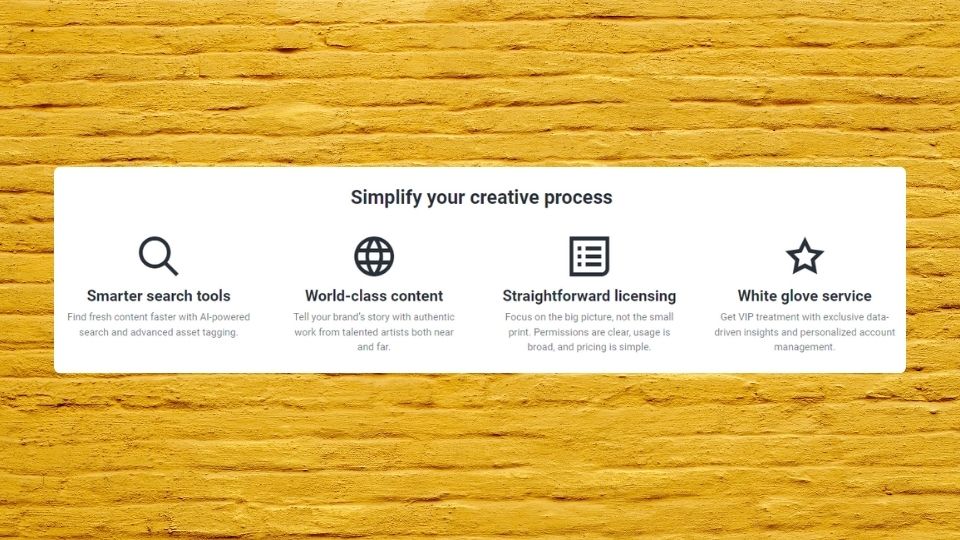
Shutterstock offers a variety of subscription plans and on-demand packs, allowing graphic designers to choose options that align with their content needs and budget constraints. Understanding the differences in these plans can help you select the most cost-effective solution for your projects.
Subscription Options:
- Monthly/Annual Subscriptions: Ideal for designers with ongoing content needs, providing a set number of downloads each month.
- On-Demand Packs: Suitable for designers with sporadic content requirements, allowing the purchase of downloads for use at any time.
To aid in your decision, below is a comparative table outlining the key features and pricing of Shutterstock's subscription plans:
Note: Prices and packages are subject to change. Always check Shutterstock's website for the latest information.
4. Tools and Features for Designers
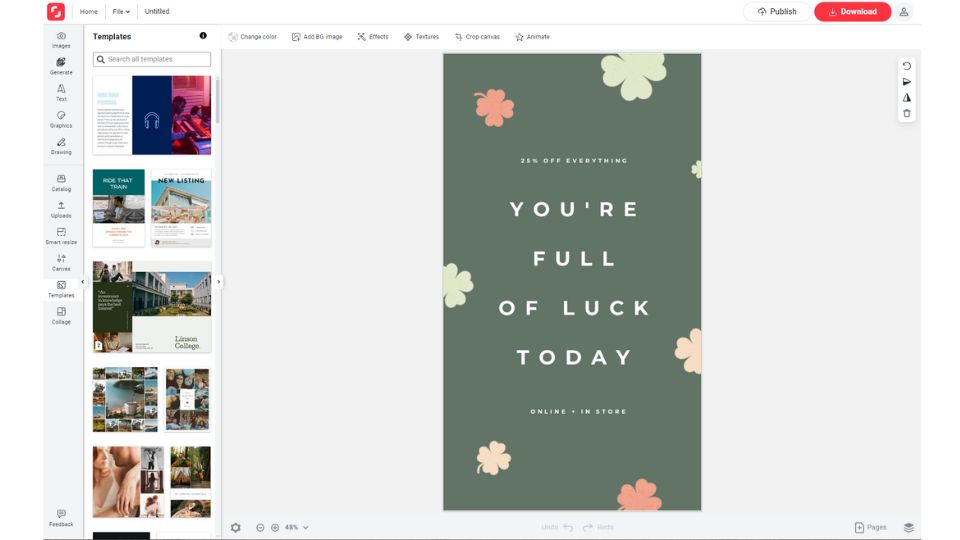
Shutterstock provides graphic designers with an arsenal of tools and features that are specifically designed to streamline the creative process. These resources help enhance creativity, improve workflow efficiency, and ensure that designers can execute their vision with precision and ease. Here's a closer look at these tools:
Real-Life Examples of Shutterstock Tools in Action:
- Shutterstock Editor: Imagine a graphic designer tasked with creating a social media campaign on short notice. By using Shutterstock Editor, they can select an appropriate image from the library, resize it to fit various social media platforms, apply brand-specific filters, and overlay text directly within the browser, significantly reducing the turnaround time for the campaign.
- Plugins: Consider a freelance designer working on a magazine layout in Adobe InDesign. Instead of toggling between Shutterstock's website and the design software, they can utilize the plugin to search for and license images directly within InDesign, streamlining the creative process and ensuring design continuity.
- Collections: A design agency is developing a visual concept for a client's rebranding. The team members can curate a collection of vectors, photos, and illustrations that align with the new brand identity. This shared collection ensures all designers are working with a consistent set of assets, enhancing brand cohesion across all materials.
- Mobile App: While on a field trip, a designer finds inspiration in urban textures and graffiti art. They can use the Shutterstock mobile app to capture these elements, search for similar stock images, and save them to a collection for later use in a project that requires an edgy, urban aesthetic.
- Visual and Reverse Image Search: A designer receives a low-resolution logo from a client and needs to find higher quality or similar imagery for a marketing campaign. By uploading the logo to Shutterstock's reverse image search, they can quickly locate high-resolution alternatives or visually similar logos that adhere to the client's brand guidelines.
- Shutterstock Showcase: When designing a website for a tropical resort, a designer can use the Color Search tool to find images that embody the vibrant blues and greens of the resort's seaside location. This ensures the website's imagery will immerse potential guests in the tropical atmosphere before they even book their stay.
5. Exploring Trends and Inspiration
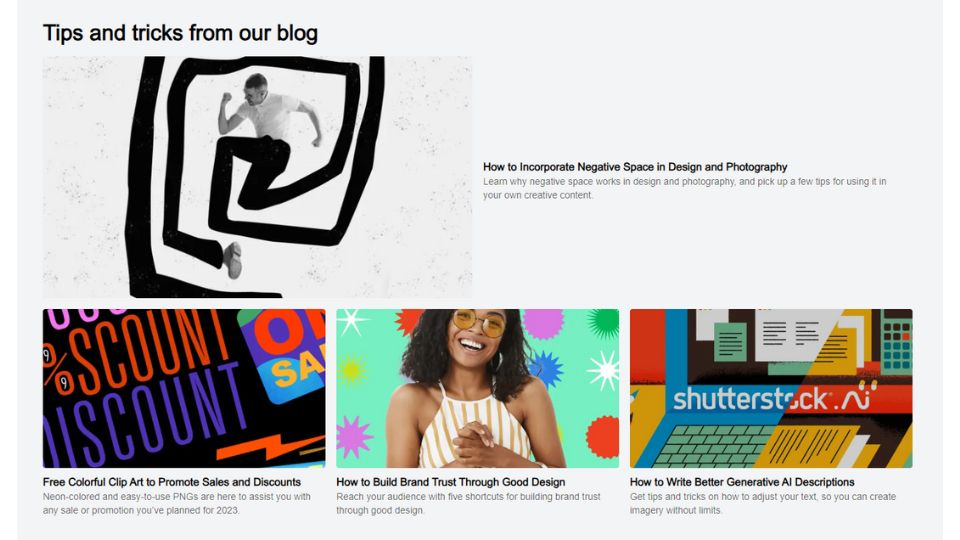
Graphic designers must constantly evolve by absorbing the latest design trends and seeking fresh inspiration. Shutterstock is more than just a repository of images—it's a springboard for creativity, offering numerous avenues for designers to explore emerging styles and spark new ideas. Here's a detailed guide to using Shutterstock for trend exploration and creative inspiration:
Trend Reports and Insights
Shutterstock's annual Creative Trends Report is not just a predictive list—it's a data-driven snapshot of creative directions gaining momentum. By analyzing search and download patterns, the report highlights themes and visual styles poised to make an impact in the design world.
Curated Collections
Shutterstock's curated collections are a visual feast, thoughtfully assembled to showcase assets that embody current design movements, seasonal vibes, or specific themes. These collections are a quick and reliable way to tap into the visual zeitgeist, offering designers a curated path to trend-aligned assets.
Shutterstock Blog
The Shutterstock Blog is an ever-updating source of knowledge and inspiration, featuring articles on new design trends, tips from seasoned professionals, and deep dives into creative processes. It's a vital resource for designers seeking to broaden their horizons and stay informed about the industry's latest developments.
Shutterstock Showcase
Shutterstock Showcase is home to innovative tools like "Search by Image" and "Color Search," which provide intuitive alternatives to traditional keyword searches. These tools allow designers to discover assets based on visual similarities or specific color profiles, enabling them to find the perfect match for their design projects with greater ease.
Design Challenges and Competitions
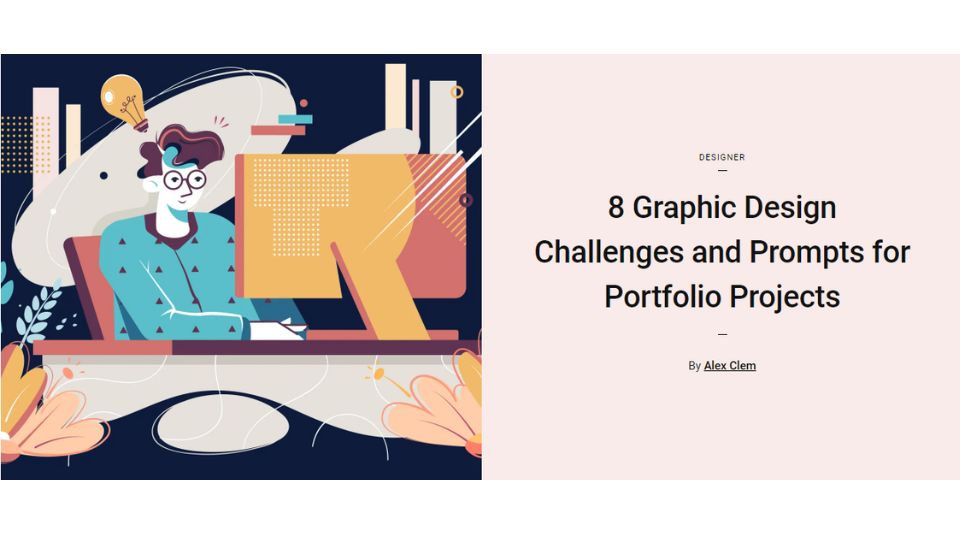
The occasional design challenges and competitions hosted by Shutterstock offer a platform for creative expression and community engagement. These events prompt designers to experiment with Shutterstock assets in new ways, often leading to unexpected bursts of creativity and the opportunity to gain recognition among peers.
Utilizing these resources from Shutterstock can significantly enhance a designer's ability to stay at the forefront of creative trends and maintain a steady stream of inspiration. Whether it's through in-depth trend analysis, browsing handpicked asset collections, reading insightful articles, experimenting with advanced search tools, or participating in community challenges, Shutterstock provides designers with the tools to keep their work innovative, relevant, and inspired.
Clarifying Common Misconceptions and Concerns
Graphic designers navigating the world of stock imagery often encounter common misconceptions about what terms like "royalty-free" actually imply. It's essential to demystify these terms to use platforms like Shutterstock effectively and legally. Here's a breakdown of what these commonly misunderstood terms really mean:
- Royalty-Free Does Not Mean Cost-Free: The term "royalty-free" can be misleading. It suggests that the content is free of charge, which is not the case. Royalty-free content is licensed content that, once purchased, can be used multiple times without paying additional fees (royalties). However, the initial license still requires a purchase, granting the buyer the rights to use the asset within the terms of the license agreement.
- License Limitations on Usage: A common misconception is that a license allows for unlimited use of an asset. In reality, licenses, including royalty-free ones, often come with restrictions. These can include limitations on the number of times you can use the content, the size of the audience that can view it, and the types of media in which it can be used. It's crucial to read and understand these restrictions to ensure your use of the content is compliant.
- No Guarantee of Exclusivity: Another point of confusion can arise around the exclusivity of assets. Shutterstock content is typically non-exclusive, meaning that the same asset can be licensed and used by multiple customers. While this is beneficial for accessing a wide range of content easily, it also means that the same image, video, or music track could appear in other people's projects, including those of your competitors. For projects where exclusivity is critical, designers may need to consider purchasing exclusive rights or sourcing content from providers that offer exclusive licenses.
Conclusion: Maximizing Your Creative Potential with Shutterstock
Shutterstock offers an expansive universe of assets that can significantly elevate the work of graphic designers. By understanding the depth and breadth of Shutterstock's library, navigating the nuances of licensing terms, choosing the right subscription plan, utilizing the platform's tools and features, and staying abreast of the latest trends and sources of inspiration, designers can harness the full potential of this vast creative marketplace. It's essential to approach stock imagery with a clear understanding of the legalities and restrictions involved. Remember, the term "royalty-free" does not equate to unrestricted or free use. Each license comes with specific terms that must be followed to ensure the lawful use of the content within your design projects.
As graphic designers, your artistry is not just about creating visually appealing work; it's also about storytelling, communication, and problem-solving. Shutterstock supports this journey by providing a wealth of resources that inspire creativity and streamline the design process. Whether you're working on a small local campaign or a large-scale commercial project, the platform's diverse content, flexible licensing, and innovative tools can help translate your vision into reality. As you integrate Shutterstock into your workflow, keep in mind the importance of choosing the right assets and licenses for your work. With careful selection and strategic use of Shutterstock's offerings, you can craft compelling designs that resonate with your audience and stand out in the ever-evolving world of visual communication.





