


In the world of artificial intelligence, crafting the right image prompt is both an art and a science. About 80% of AI-generated images depend on how specific and creative the prompts are. This balance between creativity and precision can make or break an image. Whether you're experienced or just starting out, this guide will help you write prompts that inspire and produce great visuals. We'll cover the basics, look at techniques for different platforms, and check out real-world examples. So, let's dive into this journey to turn simple words into amazing images!
Understanding AI Image Prompts
What Are AI Image Prompts?
AI image prompts are the instructions you provide to an AI to generate a picture. They specify what the image should depict, including details like the subject, style, and setting. Think of them as a blueprint for what you want the AI to draw. These prompts guide the AI in understanding your vision, enabling it to create images that align with your imagination. Essentially, they are crucial for transforming your ideas into visuals that the AI can bring to life.
Why Clarity Matters in AI Image Prompts
Crafting clear and specific prompts is vital for obtaining quality results from AI image generators. The clarity and detail of your prompt can significantly influence the final image. When you are precise, the AI gains a better understanding of your requirements, reducing confusion and ensuring the output is accurate. Conversely, a vague prompt might lead the AI to produce something unexpected. Therefore, investing time in creating a detailed prompt ensures the AI has all the necessary information to generate an image that meets your expectations, resulting in high-quality and relevant visuals.
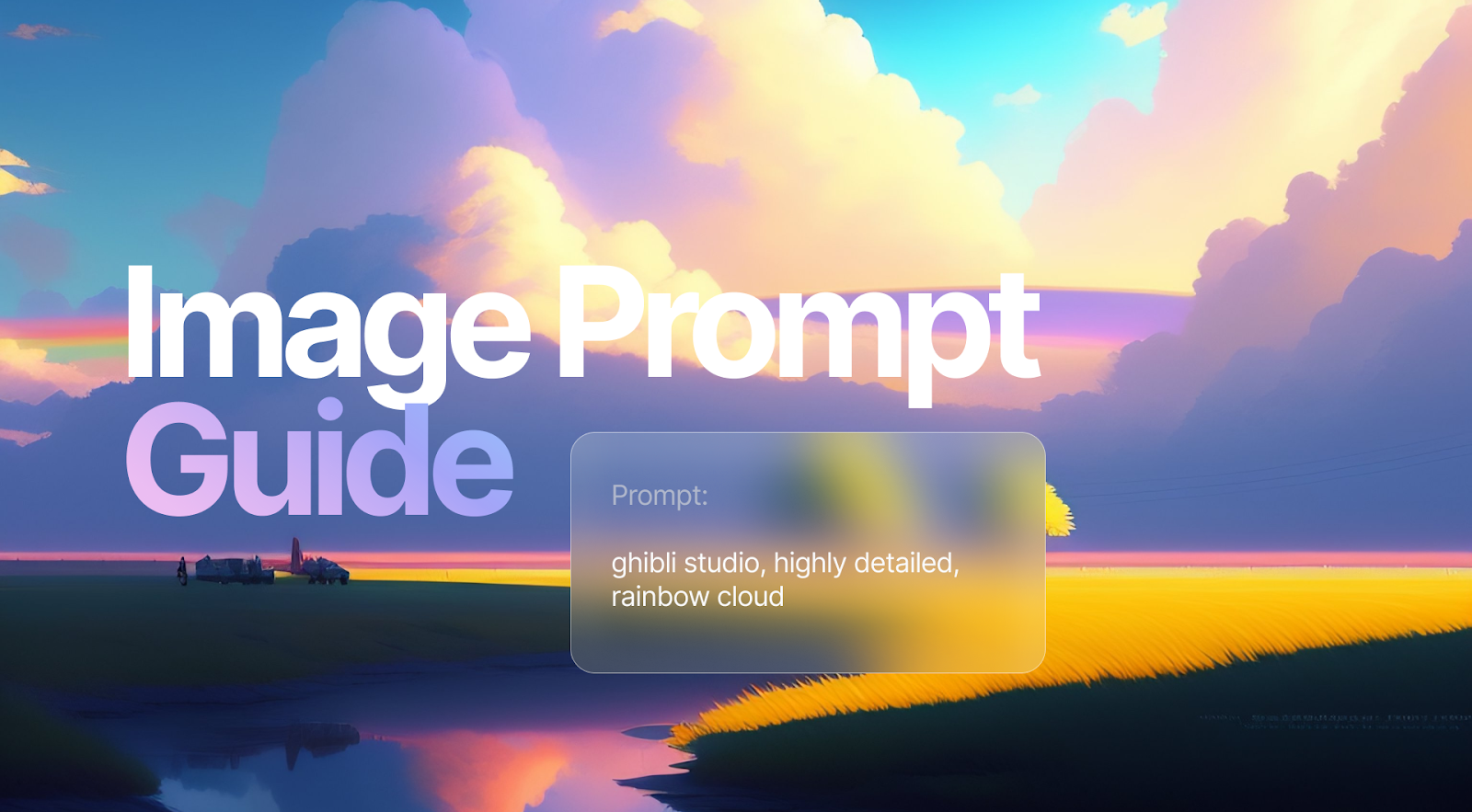
Comparing AI Platforms for Image Generation
There are several AI platforms available that can transform your prompts into images, each offering unique features:
Midjourney: Ideal for text-based prompts, Midjourney allows for artistic interpretations and provides significant creative freedom.
DALL·E: Developed by OpenAI, DALL·E handles both text and image prompts, known for producing vivid and sometimes surreal images.
Stable Diffusion: Known for its efficiency, Stable Diffusion quickly generates high-quality images and supports negative prompts for fine-tuning results.
Each platform offers distinct tools and capabilities, allowing you to choose one that aligns with your creative needs.
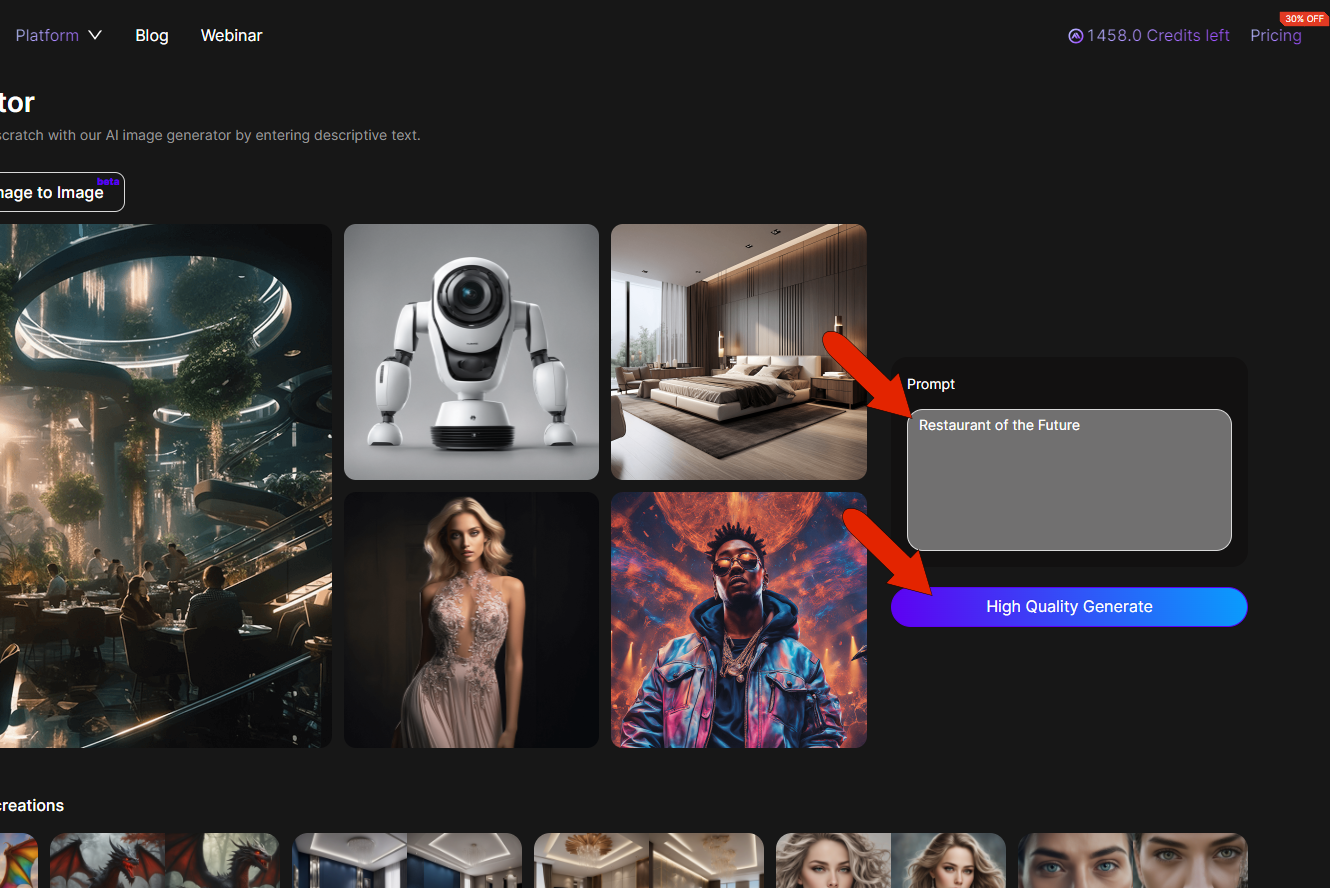
Table of Contents
- Define the Subject for Your AI Image Prompt
- Specify the Image Type for AI Art
- Enhance AI Image Prompts with Details
- Use Negative Prompts to Refine AI Images
- Test and Refine Your AI Image Prompt
- Allow Creative Freedom in AI Image Prompts
- Step 1: Define the Main Subject in AI Prompts
- Why Start with a Clear Subject in AI Prompts
- Examples of Effective Subject Definitions in AI Prompts
- Step 2: Add Descriptive Details to AI Prompts
- Enhance AI Prompts with Mood, Actions, and Environment
- Use Lighting and Color to Enhance AI Image Prompts
- Step 3: Specify Artistic Style in AI Prompts
- Choose Art Forms Like Photography or Illustration
- Reference Artists or Styles in AI Image Prompts
- Step 4: Use Negative Prompts in AI Image Creation
- Benefits of Negative Prompts in AI Image Prompts
- Common Elements to Exclude in AI Image Prompts
- Step 5: Iterate and Experiment with AI Prompts
- Refine AI Prompts Based on Output
- Experiment with Detail Levels in AI Image Prompts
Step-by-Step Guide to Writing AI Image Prompts
Define the Subject for Your AI Image Prompt
Start with a clear description of what you want in your AI image prompt. The subject is the main focus, and having it well-defined helps the AI know what to highlight. If you're picturing a "majestic lion," mention its posture, expression, and unique traits like a "flowing mane" or "piercing eyes." This detail helps the AI create the image you're imagining.
Zapier stresses the importance of starting with a precise subject to guide the AI's focus.
Specify the Image Type for AI Art
After defining the subject, specify the type of image you want. This includes the medium, like photography, painting, or digital illustration. If you have a specific look in mind, say it. Maybe you want a "surrealist painting" or a "vintage black-and-white photograph." Mentioning famous artists or styles can help the AI capture the right vibe.
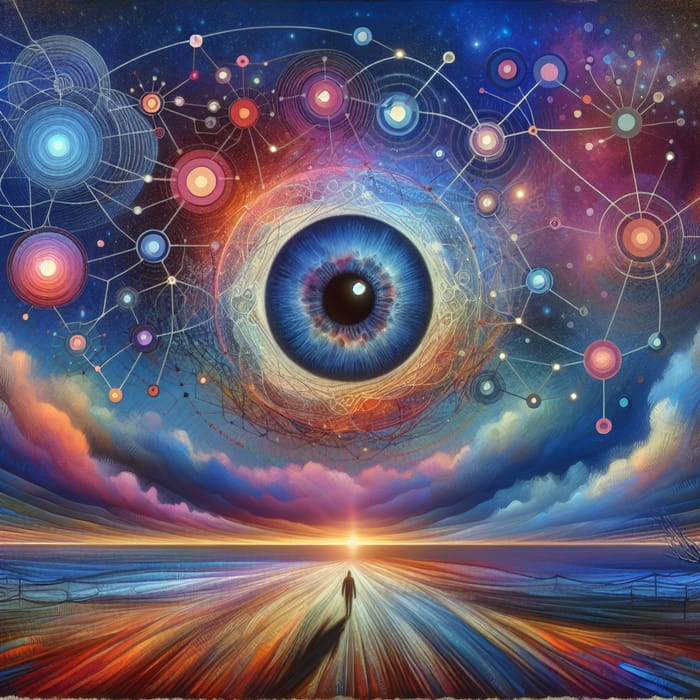
For example, asking for a "Van Gogh-inspired painting" might bring out vibrant colors and swirling brushstrokes. Zapier offers more tips on how to specify art forms for the desired artistic direction.
Enhance AI Image Prompts with Details
Add more flavor to your prompt with details about the setting, lighting, colors, or textures. Use action words to add movement, like "a lion roaring under a golden sunset" or "a bustling market scene with vibrant stalls."
Think about how lighting affects mood — "soft, diffused light" creates calm, while "harsh shadows" add drama. Choose colors to set emotions, like "warm earth tones" for coziness or "cool blues" for peace. Textures add depth, so mention "rough bark" or "smooth glass" if needed.
Learn Prompting highlights how these details can enhance image prompts.
Use Negative Prompts to Refine AI Images
Negative prompts help refine your image by specifying what you don't want. If you're aiming for a peaceful landscape, you might say "no people" or "no buildings" to keep it natural. This helps the AI avoid adding unwanted elements that could mess with your vision.
Negative prompts are great for avoiding cluttered compositions or elements that don't fit the mood. Shopify explains how negative prompts can filter out undesired elements effectively.
Test and Refine Your AI Image Prompt
Once you've crafted your prompt, check it for clarity and brevity. A well-structured prompt is more likely to get the results you want. Test it with the AI tool and be ready to tweak it based on what you see.
If the image isn't quite right, add more details or adjust the negative prompts. Keep refining — each tweak brings you closer to the perfect image. Let's Enhance offers a guide on refining prompts for better AI output.
Allow Creative Freedom in AI Image Prompts
While being specific is key, leaving some parts of the prompt open-ended can be beneficial. Giving the AI some creative leeway can lead to surprising and innovative results.
For instance, you might specify the subject and style but leave the background or color palette to the AI. This approach can yield unique interpretations that add an unexpected twist to the final image. Shopify discusses the perks of allowing AI some creative freedom in art generation.
Step 1: Define the Main Subject in AI Prompts
The first step in writing an effective AI image prompt is to nail down the main subject. This is crucial because the subject is the anchor of the whole image. Without a clear subject, the AI might churn out something unfocused.
For example, if your subject is a "medieval knight," specify if they're "standing in armor," "riding a horse," or "engaged in battle." Each description leads to a different image, showing why specificity matters.
Why Start with a Clear Subject in AI Prompts
Starting with the main subject sets a clear path for the AI. It lays the groundwork for all other details and ensures the image revolves around a central theme. A well-chosen subject not only guides the AI but also helps you keep a consistent vision throughout.
By defining the subject upfront, you reduce the risk of the image becoming scattered. Let's Enhance emphasizes the importance of starting with a clear subject.
Examples of Effective Subject Definitions in AI Prompts
Here are some examples to show why clear subject definitions matter:
- "A regal peacock displaying its feathers" - This is specific and vivid, giving the image a solid visual anchor.
- "A bustling city street at night" - This sets a dynamic scene, inviting the AI to explore elements like neon lights and busy sidewalks.
- "A serene mountain landscape during sunrise" - This creates a chance for the AI to play with lighting and color gradients, capturing dawn's tranquility.
Each example shows how a well-defined subject leads to a focused image.
Step 2: Add Descriptive Details to AI Prompts
Once you've pinned down the main subject, enrich your prompt with descriptive details. These add depth and dimension, turning a simple idea into a vivid visual story. Including mood, actions, and environment helps the AI build a more complete image.
Enhance AI Prompts with Mood, Actions, and Environment
Mood can be conveyed through adjectives that describe the scene's atmosphere or emotional tone. Words like "peaceful," "tense," or "joyful" guide the AI in setting the right vibe.
Actions bring movement and life into the image. For instance, "a peacock strutting proudly" or "a knight charging into battle" adds dynamism. The environment provides context, so mention relevant details like "a dense forest" or "a bustling market" to place the subject in a specific setting.
Zapier highlights the importance of mood, actions, and environment in AI prompts.
Use Lighting and Color to Enhance AI Image Prompts
Lighting and color are powerful for enhancing image prompts. They affect the mood and can highlight specific scene aspects.
For example, "soft morning light" can create a gentle, calming effect, while "dramatic shadows" add intensity. Colors can evoke emotions or signify themes; "rich autumn hues" suggest warmth and transition, while "monochrome blues" might convey melancholy.
By choosing lighting and color thoughtfully, you guide the AI in creating an image that fits your vision. Stockimg offers insights into using lighting and color effectively in prompts.
Step 3: Specify Artistic Style in AI Prompts
The artistic style you pick sets the tone for the whole image. Specifying the style helps the AI understand the aesthetic direction you're after. Whether it's a realistic photo, a whimsical illustration, or an abstract painting, the style dictates how the subject and details are portrayed.
Choose Art Forms Like Photography or Illustration
When specifying the artistic style, be clear about the form you envision. If you want a realistic look, mention "photography" or "hyper-realistic painting." For a more stylized approach, you might go for "cartoon illustration" or "impressionist painting."
Each art form has its own characteristics and techniques, affecting the final output. Zapier provides guidance on naming art forms for the desired artistic effect.
Reference Artists or Styles in AI Image Prompts
Referencing specific artists or art movements can give the AI extra guidance. If you love Henri Matisse's bold colors, you might ask for a "Matisse-inspired painting."
Similarly, mentioning "Art Deco style" can lead to an image with geometric shapes and rich colors. These references act as a shorthand for complex artistic concepts, helping the AI align its process with your preferences.
Stockimg explains how referencing artists can enhance AI-generated images.
Step 4: Use Negative Prompts in AI Image Creation
Negative prompts are key for crafting precise AI image prompts. They let you specify what to leave out, refining the output to match your vision.
Benefits of Negative Prompts in AI Image Prompts
Negative prompts act as a filter, guiding the AI to skip elements that might detract from the image. By stating what you don't want, you can avoid issues like cluttered compositions or conflicting styles.
This precision is especially useful for minimalist aesthetics or when certain elements clash with the mood. Shopify provides an in-depth look at the benefits of using negative prompts.
Common Elements to Exclude in AI Image Prompts
Here are some examples of negative prompts:
- "No people in the scene" - Useful for focusing on landscapes or objects.
- "Avoid bright colors" - Ensures a muted or monochromatic palette.
- "Exclude modern elements" - Keeps the image consistent with historical or fantasy settings.
These examples show how negative prompts can tailor the AI's output to fit your creative goals.
Step 5: Iterate and Experiment with AI Prompts
Creating AI image prompts is all about iteration. It's rare to nail the perfect image on the first try, so be ready to refine and experiment.
Refine AI Prompts Based on Output
After testing your initial prompt, look at the AI's output critically. Identify where the image aligns with your vision and areas that need work. Use this feedback to refine your prompt, adding specific details or adjusting negative prompts as needed.
Each iteration should bring you closer to the desired result. Let's Enhance offers strategies for refining prompts based on AI output.
Experiment with Detail Levels in AI Image Prompts
Experimentation is key to discovering new possibilities and pushing the AI's creative boundaries. Try varying the level of detail in your prompts, from highly detailed descriptions to more abstract concepts.
This approach lets you explore the AI's creative potential and uncover unexpected interpretations that might enhance your project. Let's Enhance suggests experimenting with different levels of detail to optimize AI-generated images.
By following these steps and embracing the iterative nature of AI image creation, you can craft compelling and visually striking images that align with your artistic vision.
Balancing Creative Freedom and Specificity in AI Image Prompts
Encouraging AI Creativity for Unique Image Outputs
When you use AI image generators, giving them room to breathe can lead to some pretty cool surprises.
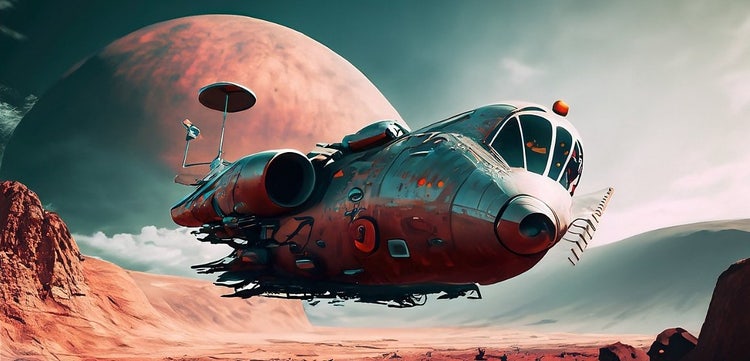
By not boxing them in too much, you let the AI roam through endless possibilities, often creating visuals that are fresh and imaginative. Cranking up the 'creativity' setting can give you artistic spins on the original image, sometimes catching you off guard with what it comes up with.
Sure, the result might not always be what you had in mind. But it often sparks new ideas and perspectives you hadn't thought of. This unpredictability is great for artistic and experimental projects where pushing boundaries is the name of the game.
But remember, it's all about balance. AI is great at throwing out options, but it's up to us humans to pick and polish the best ones.
Comparing Open-Ended and Detailed AI Image Prompts
Using open-ended prompts like "a futuristic cityscape" lets the AI stretch its creative muscles, leading to a variety of images.
It might picture a buzzing metropolis with flying cars or a peaceful city filled with green spaces and cutting-edge tech.
On the flip side, if you give a detailed prompt like "a futuristic cityscape at night with neon lights, flying cars, and a large digital clock tower," you're steering the AI towards a specific image. This narrows down the results but keeps them closer to what you envision.
Both styles have their perks, depending on whether you want more creativity or precision. A good prompt strikes a balance between being clear and leaving room for interpretation.
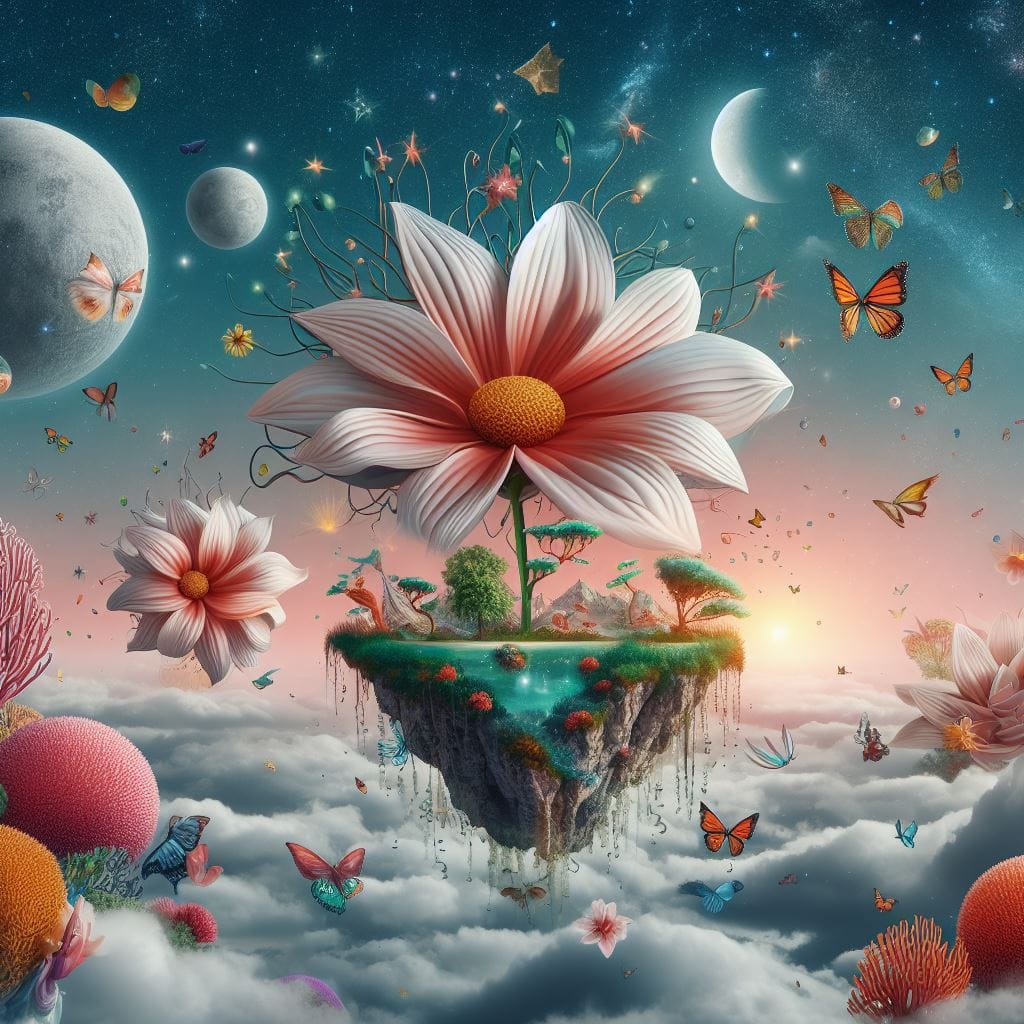
If your prompt is muddled or contradictory, you might end up with a jumbled image, which just goes to show how important it is to craft your prompts carefully.
AI Image Prompt Techniques for Specific Platforms
Comparing AI Image Prompt Strategies for Midjourney, DALL·E, and Stable Diffusion
Midjourney is great for artistic and stylized images. To get the most out of it, use language that sets a mood or atmosphere. For example, mentioning the aspect ratio, like --ar 16:9, can give your image a cinematic touch. You might try:
"A bustling Ferrari cityscape at night, neon lights reflecting on wet streets, cinematic mood, --ar 16:9"
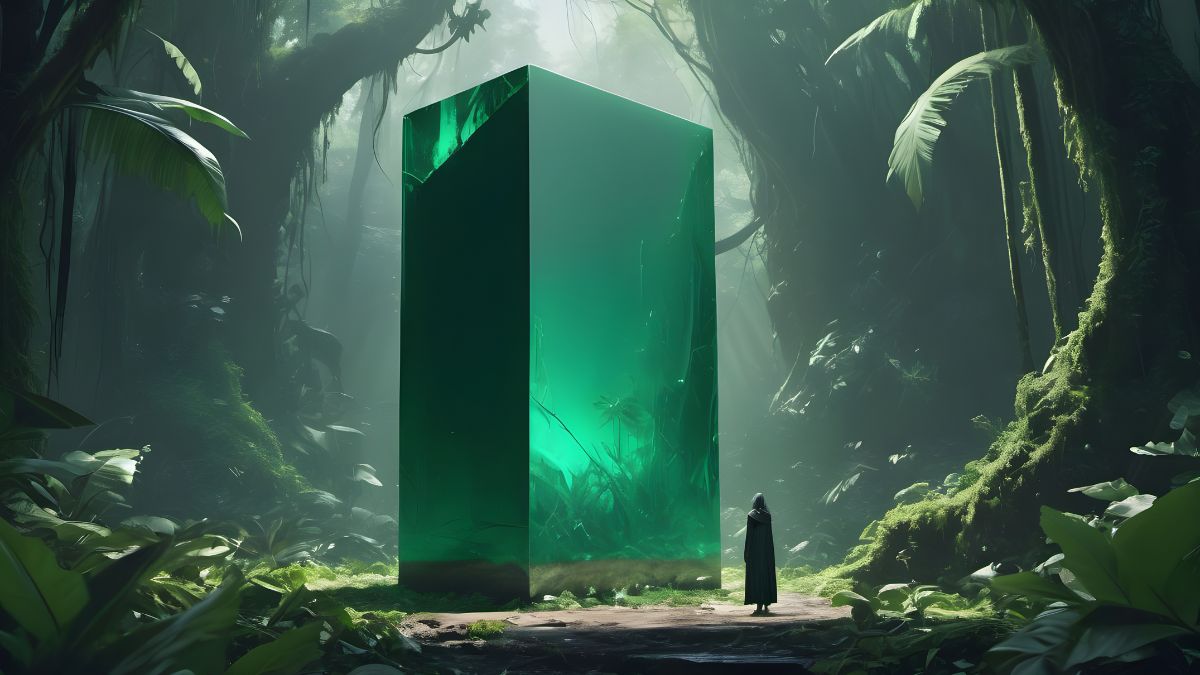
DALL·E shines when you get specific and detailed. It handles precise or surreal requests well. Describing objects and their context clearly can turn a simple idea into something vivid.
DALL·E is known for handling highly specific or surreal requests.
Stable Diffusion gives you flexibility and control. It lets you use negative prompts to filter out things you don't want. Focus on clear instructions and what you want in the end. For example:
"A regal woman with wavy golden hair, deep blue eyes, in a grand palace, soft cinematic lighting, --neg prompt: blurry, low quality, distorted proportions"
Stable Diffusion allows for negative prompts.
Each platform has its strengths, so adjust your approach to fit. Try different things to get the hang of these tools, as small changes in prompts can lead to big differences. Understanding these details helps you make compelling AI-generated images.
Best Practices for AI Image Prompts on Different Platforms
For Midjourney, focus on abstract ideas and artistic styles. Use descriptive, natural language and mention the aspect ratio for the best results. Avoid technical terms unless you need them.
For Midjourney: Use descriptive, natural language.
With DALL·E, being specific is key. Clearly define objects, colors, and how elements relate. Use precise details and specify style with clear language for complex or surreal ideas.
For DALL·E: Be precise with details.
Stable Diffusion works well with structured prompts. Break scenes into parts and specify actions or interactions. Use negative prompts to exclude unwanted elements, and play around with prompt length and detail.
For Stable Diffusion: Leverage negative prompts.
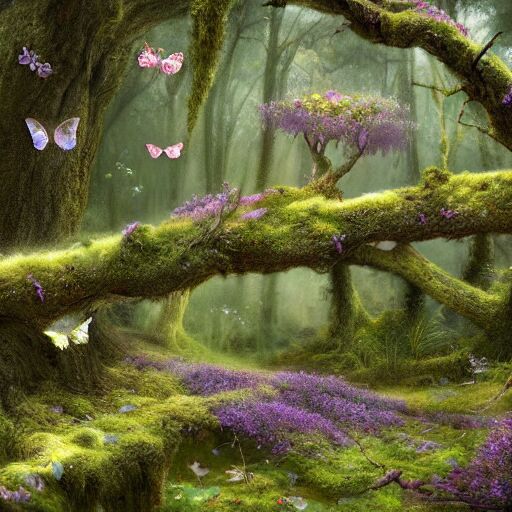
Across all platforms, specify the subject, environment, lighting, mood, and style for consistent, high-quality outputs. Use high-resolution and quality modifiers like '8K UHD' or 'photorealistic' for more realistic images, especially in Stable Diffusion and Midjourney.
Use high-resolution and quality modifiers.
Don't overload prompts with too many details; focus on unique, meaningful aspects for the best outcomes.
Iteration is crucial across all platforms. Start with a broad prompt, then refine based on what you get. Use community forums and galleries to get inspiration and learn from others' successes and failures. This collaborative approach enriches your understanding and helps you craft more effective prompts tailored to each platform's strengths.
Effective AI Image Prompt Examples
Successful AI Image Prompt Case Studies
Let's explore some fascinating examples of AI image generation. OpenAI's DALL-E is renowned for its ability to transform text into vivid images. Imagine typing "an astronaut lounging in a tropical resort in space" and receiving a collection of creative, eye-catching visuals. That's the magic of DALL-E.
Another standout is Midjourney. It excels with prompts like "a futuristic cityscape at dusk," crafting detailed and lively scenes. These examples highlight the importance of specificity and creativity in prompts. By using vivid language and clear context, you can guide AI to produce detailed and imaginative visuals.

Consider a prompt such as "a detailed portrait of a Victorian-era woman with intricate jewelry." This can lead to beautiful, historically inspired art. In the realm of fantasy, a prompt like "a magical forest with glowing trees and fairies flying around" can create enchanting, captivating scenes. For marketing purposes, imagine a prompt like "a product photo of [product type] arranged on a [surface type] with a background of [specific color or texture]." This can result in striking images with space for text. These successes demonstrate how AI can transform text ideas into visual masterpieces.
Evolution and Refinement of AI Image Prompts
Initially, AI image prompts were quite basic, often limited to simple object descriptions. However, they have evolved significantly. Today, prompts encompass complex narratives and detailed scenes. This transformation is a result of advancements in AI models and user experimentation. Users discovered that incorporating specifics like lighting, style, and mood enhances the AI's ability to generate desired outcomes. Being detailed in prompts, including these elements, has become a go-to strategy.
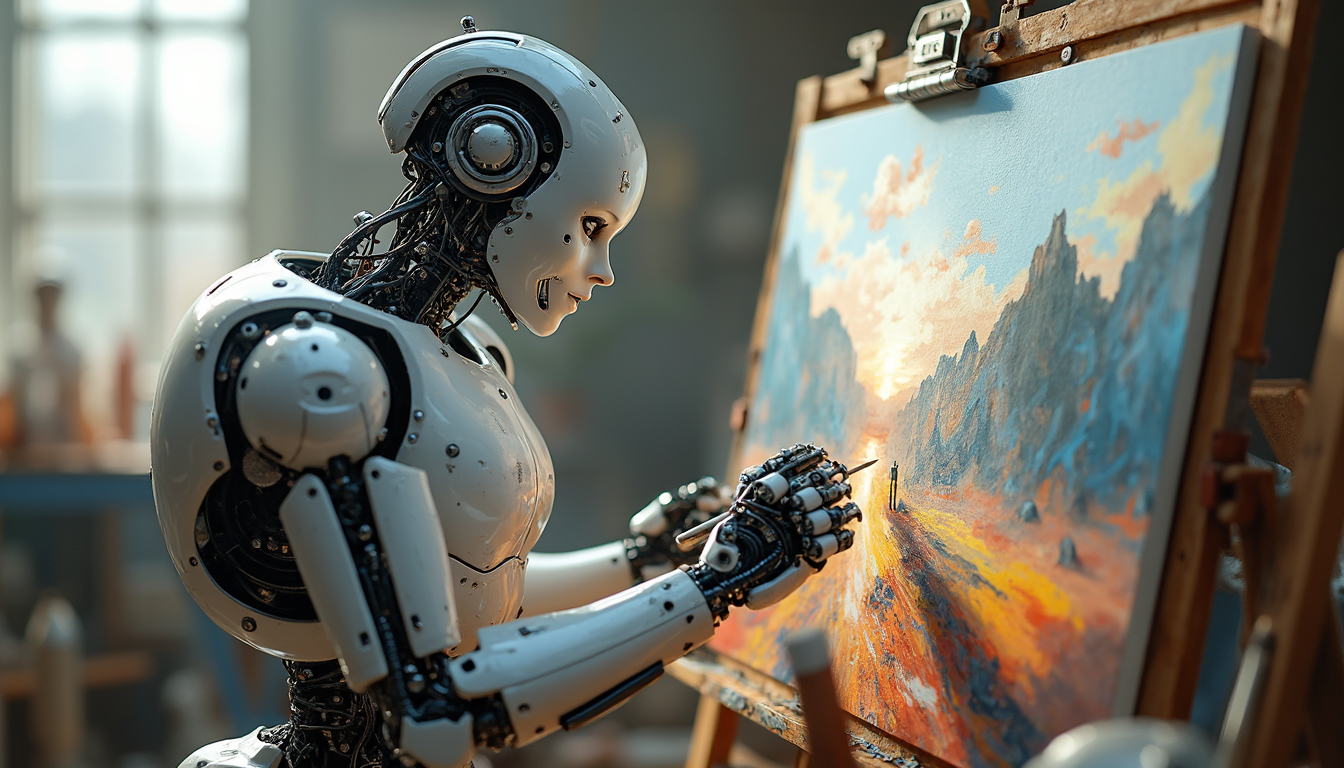
Experimenting with different levels of detail and using terms like "high resolution," "sharp focus," or "ultrarealistic" can significantly enhance image quality, as suggested by prompting best practices.
This iterative process has led to more advanced results, showcasing the synergy between user input and AI capabilities. As AI continues to improve, refining prompts will likely become even more detailed, unlocking further creative possibilities. Users should iterate and refine prompts based on the outputs they receive to enhance image quality and consistency, pushing the boundaries of what AI can visually create.
FAQs
Common Mistakes in AI Image Prompt Writing
A big mistake is being too vague. AI models need clear, specific instructions to create accurate images. If you use ambiguous words or broad descriptions, you'll likely get generic or irrelevant results.
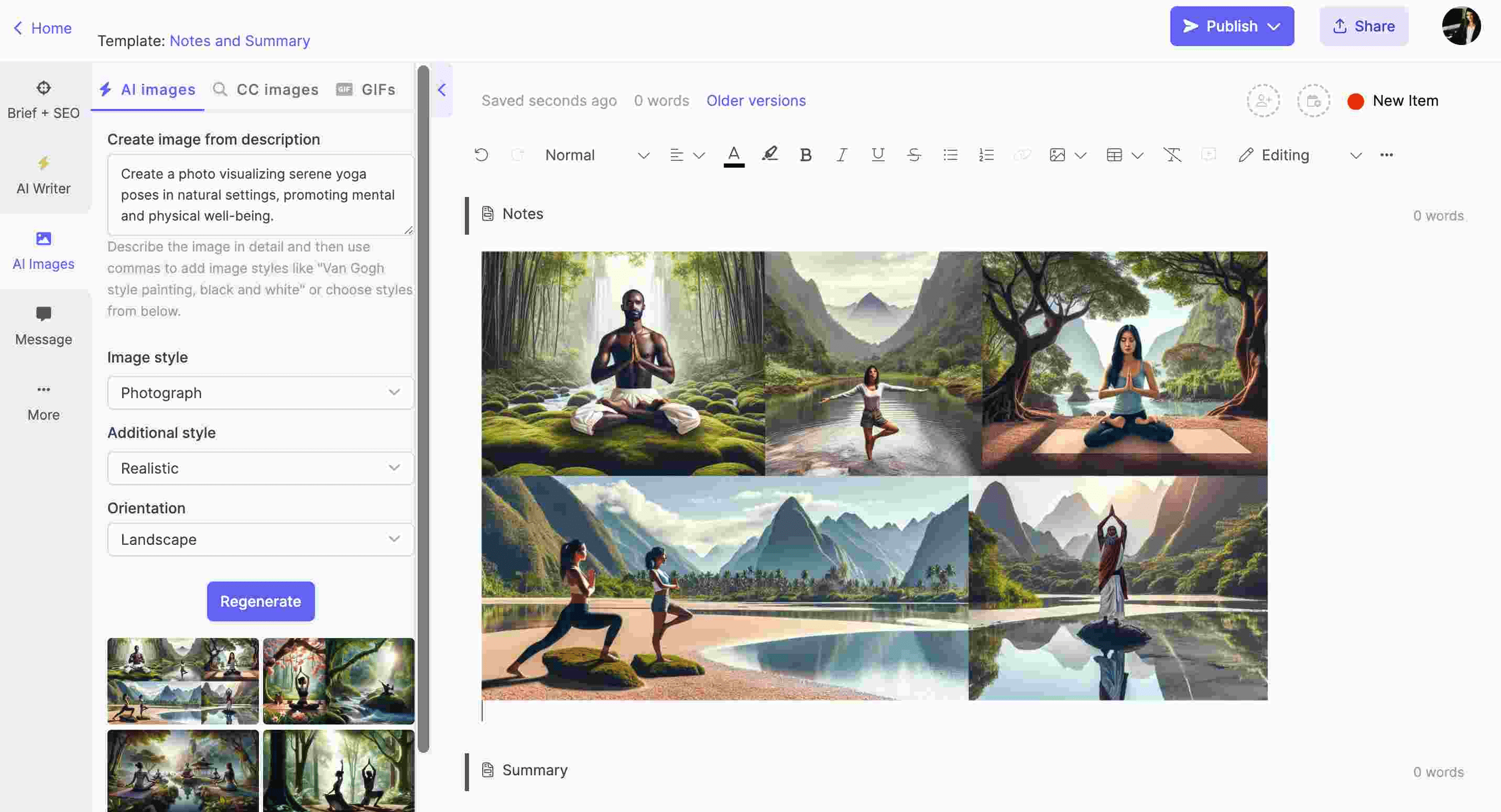
Another slip-up? Cramming too much information into the prompt. This can confuse the model and lead to unexpected outcomes.
Consistency in style and theme matters too. Mixing styles without a plan can result in a messy image. Also, don't forget to specify the output format or resolution you want; otherwise, you might end up with images that don't fit your needs.
Providing enough context is key to preventing the AI model from misinterpreting your prompt. For more tips, check out this AI text prompt guide.
Incorporating Artistic Styles in AI Image Prompts
To bring in specific artistic styles, start by looking into the key traits of the style you want. Use descriptive words that capture its essence, like "impressionistic brush strokes" or "cubist form."
You can guide the AI further by saying "in the style of" followed by an artist or art movement, such as "in the style of Salvador Dali's Persistence of Memory." Mentioning specific techniques or mediums, like "oil painting" or "watercolor," helps too.
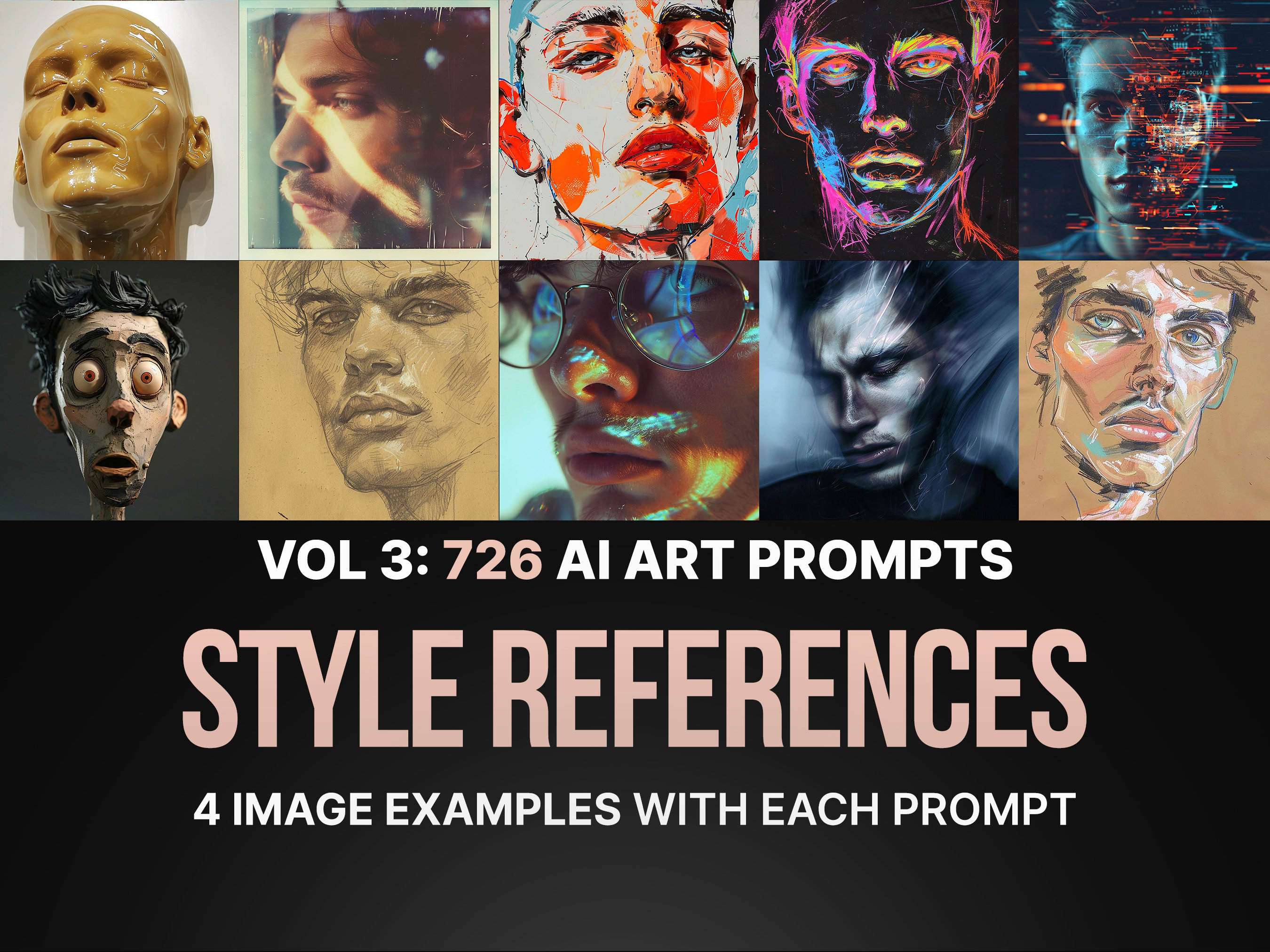
Mixing different techniques or movements can lead to unique results. Be concise yet detailed so the model gets the artistic direction you're aiming for. For more tips, visit this AI image prompts guide.
Benefits of Using Negative Prompts in AI Image Generation
Negative prompts help refine the output by specifying what you want to leave out. This can prevent unwanted elements like "blurry, low quality, distorted proportions," leading to better quality images.
They help focus on the features you want, creating cleaner, more precise images. Negative prompts give you more control, letting you specify what to avoid.
This is especially useful for minimalistic designs or when you want to steer clear of certain artistic elements that don't match your style. It reduces the need for multiple tries to get the result you want. For more insights, refer to this AI text prompt guide.





