


In 2025, AI video generators are changing the way we make and watch media. It's predicted that more than 80% of internet traffic will be video content by then. So, using AI tech isn't just a cool option—it's a must if you want to keep up in content creation. We're going to check out the top 10 AI video generators, like Deepbrain AI's AI Studios and Runway's Gen-4. These tools aren't just making the creative process easier; they're pushing the limits of what's possible in video production. Whether you're a pro or just curious, these AI video generators can spark your creativity and make your work smoother. Let's explore and see what the future holds for video content creation!
Deepbrain AI Studios: Transforming Video Content Creation
AI Video Generator Features
DeepBrain AI Studios is a smart AI video generation platform that transforms text scripts into animated videos. These videos feature AI avatars that look and act like real people, enhancing viewer engagement. The platform supports over 80 languages for text-to-speech and video translation, aiding content localization and global reach.
You can create your own AI avatars by uploading photos or webcam recordings, crafting digital twins that mimic your expressions and speaking style. AI Studios boasts features like AI dubbing with natural lip-sync, scenes with multiple avatars, AI voice cloning, script assistance, and an intuitive online video editor with templates and effects. This makes it ideal for industries such as:
- Corporate training
- Marketing
- Education
- Broadcasting
- Customer service
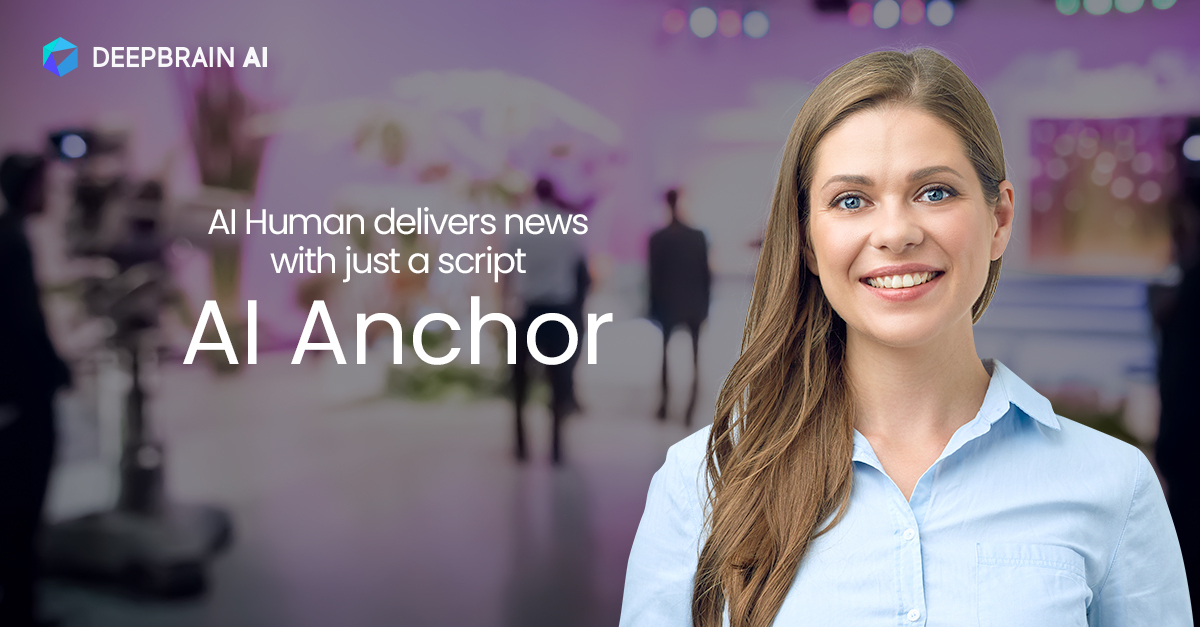
By using AI human anchors for broadcasting, DeepBrain AI Studios reduces production costs and labor while enhancing content delivery speed and quality.
User-Friendly AI Video Production
One of the standout aspects of DeepBrain AI Studios is its user-friendliness. You can input text scripts, choose or create avatars, and produce videos without needing expertise in video production. The platform includes:
- Customizable video templates
- Backgrounds and music
- Automatic subtitles
- Text animations
Collaboration is streamlined with Teams and Workspace features, allowing multiple users to work on projects together in real-time. The multi-avatar mode supports up to two avatars in a scene, making videos more engaging with interactive dialogues. Basic editing tools like trimming and transitions are integrated, eliminating the need for additional software.
Cost-Effective AI Video Solutions
DeepBrain AI Studios significantly cuts video production costs by eliminating the need for human actors, cameras, studios, and specialized staff. It offers various pricing plans, including a free plan with limited videos and paid plans ranging from $15 to $79 per month, catering to different needs. Automated video production facilitates faster output and scalability, enabling businesses to produce more content with fewer resources. Custom AI avatars and voice cloning help maintain consistent branding without the recurring costs of live talent.
Comprehensive Customer Support for AI Video Generators
DeepBrain AI provides personalized support, including a dedicated customer success manager to maximize your use of the platform. Extensive documentation and tutorials assist new users in navigating and utilizing the features effectively. The company offers a one-month free trial for certain solutions, like the Deepfake Detection Solution, tailored for businesses and public institutions. Additionally, support for integrating AI Studios via API is available, automating workflows and optimizing video production tasks.
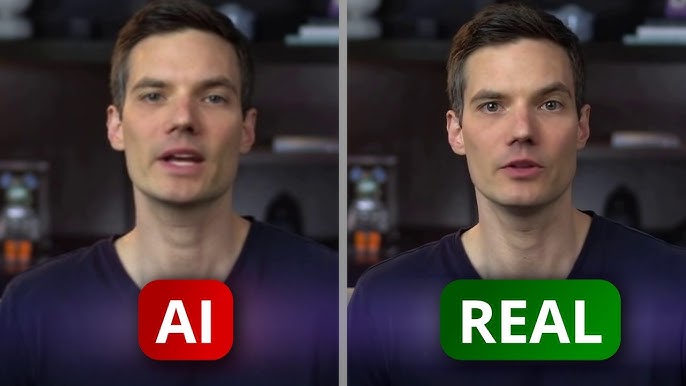
This comprehensive support ensures effective use of AI Studios for your video creation needs.
Runway AI Video Generator: Gen-3 Alpha and Gen-4 Overview
Advanced Video Generation Features
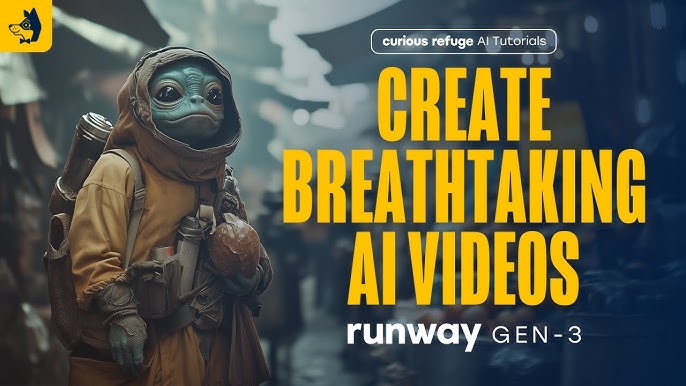
Runway's AI video generator has evolved significantly with its Gen-3 Alpha and Gen-4 versions. The Runway Gen-3 Alpha is a robust tool that creates realistic videos from text or images. It maintains consistency over time and allows you to adjust style, lighting, and camera angles, enabling you to craft videos precisely how you envision them.
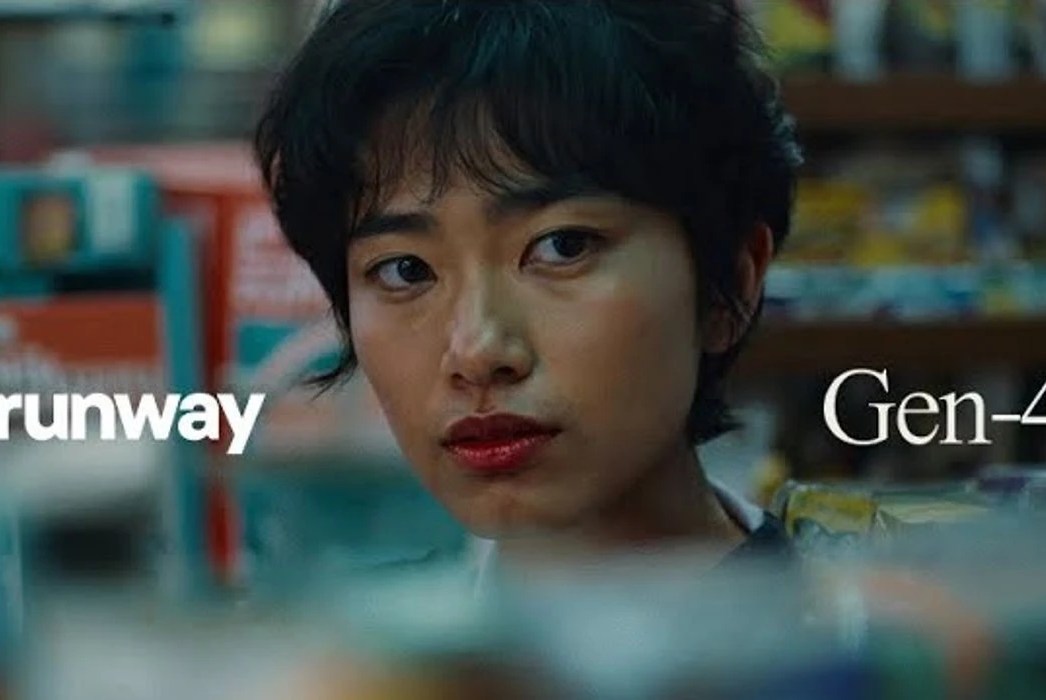
The Gen-4 version enhances capabilities by generating characters and objects that appear accurate in various lighting, locations, and angles, all from a single reference image. This version does not require additional training or fine-tuning. Gen-4 can display different perspectives of the same scene, simulate real-life physics, and produce videos with seamless motion and style. It's ideal for complex storytelling and visual effects. While both versions allow text and image-to-video conversion, Gen-4 offers greater control, supporting video lengths of 5 to 10 seconds and adjustable aspect ratios, making it a versatile tool for creators.
User-Friendly Video Creation
Runway is designed to be user-friendly for both beginners and professionals. It simplifies video production by allowing the use of text and images without needing storyboard knowledge or technical skills. With Gen-4, you can describe scenes and use reference images to automatically generate shots from various angles. Runway also provides additional editing tools like background removal, color grading, and motion tracking, extending its utility beyond video creation. Templates expedite the process, such as a 3-second turnaround for Gen-3 Alpha, and features like lip-sync animation streamline video creation.
Affordable AI Video Solutions
Runway AI offers a tiered pricing model suitable for different budgets. The free plan enables HD video exports and provides some credits, while paid plans unlock 4K video exports, higher resolution images, and increased storage. It includes monthly credits, such as 2,250 credits for 500 images, and unlimited video projects. This makes it a cost-effective option for creators needing extensive AI-generated content. The Gen-4 and Gen-4 Turbo versions enable the creation of high-quality videos with enhanced realism and control, potentially reducing costs associated with traditional video production by increasing content creation efficiency.
Comprehensive Customer Support and Resources
Runway offers a wealth of online documentation and help articles to assist with features like Gen-4 video creation and editing tools. A community of users, including creators and professionals, provides tutorials, examples, and guides to maximize the use of AI video tools. Runway's support includes prompt customer assistance and regular updates to enhance the model and introduce new features, improving the user experience over time. Step-by-step tutorials on creating videos with Gen-4 and updates on new features are available through Runway’s help center and community forums.
Synthesia AI Video Generator
🎥 AI Video Generator Features
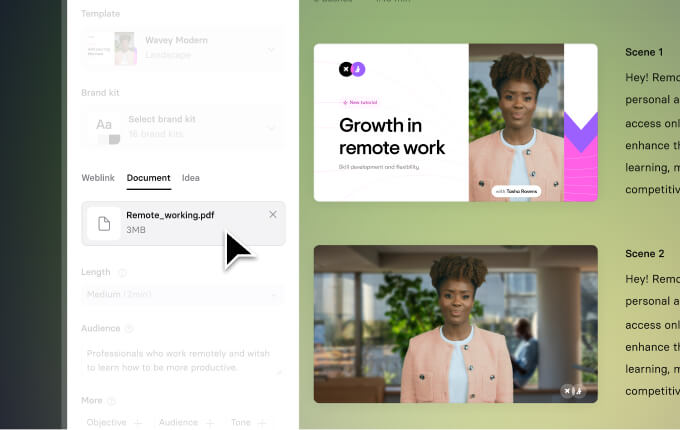
Synthesia is a powerful AI video generator that transforms text into professional-grade videos. The platform boasts realistic AI avatars and voiceovers, making it an invaluable tool for video production. Here are some of its standout features:
- Multilingual Capabilities: Work in over 140 languages with AI dubbing available in more than 29 languages, ensuring precise lip sync for a global audience.
- Customization Options: Choose from over 230 AI avatars or create your own. You can modify backgrounds, select music, and adjust voiceovers to perfect your video content.
- Efficient Updates: Update video content without starting from scratch, saving you time and effort.
🖱️ User-Friendly AI Video Creation
Synthesia is designed with user-friendliness in mind, allowing even non-tech-savvy users to create videos effortlessly. Key benefits include:
- Intuitive Video Editor: Customize your videos with ease using a simple interface.
- Versatile Input: Convert text documents, PDFs, and PowerPoint slides into engaging videos.
- Web-Based Convenience: No software installation or maintenance required, freeing you to focus on creativity.
💰 Cost-Effective AI Video Production
Synthesia is a cost-efficient solution for video production. Here's why:
- Affordable Plans: A free plan offers 36 minutes of video annually, with paid plans starting at $18 per month.
- Cost Savings: Eliminate the need for traditional recording equipment and actors, potentially saving businesses up to 80% on production costs.
- Content Freshness: Easily update videos to keep content current with minimal additional expense.
🤝 AI Video Generator Customer Support
Synthesia provides tools and resources to enhance user experience:
- Collaboration Tools: Live collaboration and real-time feedback features are perfect for team projects.
- Community Trust: Trusted by over 50,000 teams, indicating a strong user community and potential peer support.
- Learning Resources: Access tutorials and documentation to maximize platform use.
- Continuous Improvement: Regular updates, often driven by user feedback, ensure the platform evolves to meet user needs.
Google Veo 2: Advanced AI Video Generator Features
🎥 AI Video Generator Functionality
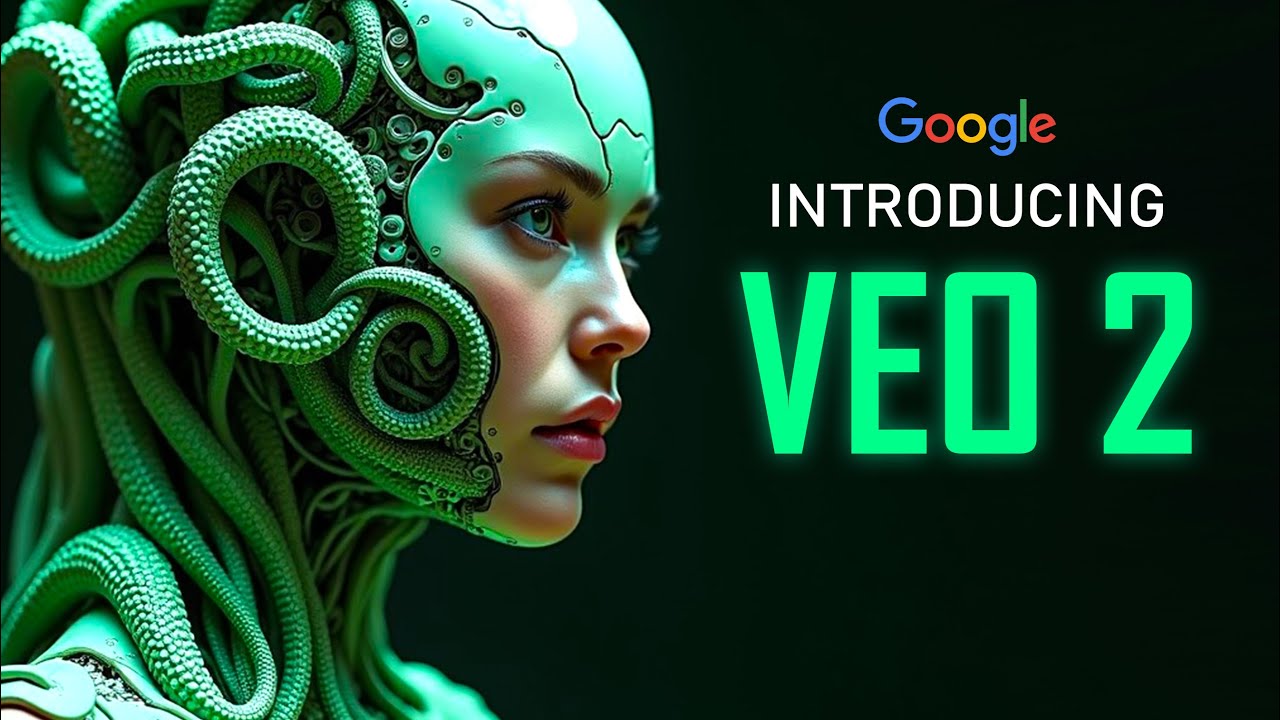
Google Veo 2 is an AI tool that transforms text prompts into videos with impressive realism and cinematic effects. It supports resolutions up to 4K and can create videos longer than two minutes, enhancing capabilities from previous versions. Veo 2 offers substantial creative control, allowing users to select camera angles, lenses, and effects like shallow depth of field. It accurately simulates real-world physics and human motion, ensuring natural character movements and emotional expressions.
Veo 2 integrates seamlessly with Google Vids and Gemini, facilitating video creation and collaboration with Google Workspace tools like Chat, Gmail, Docs, and Slides. The latest version, Veo 3, introduces synced audio, including dialogue, sound effects, and background noise, aligning perfectly with the video's visual elements.
✨ User-Friendly AI Video Generator
Explore Google Veo 2's ease of use.
Google Veo 2 is designed for ease of use, enabling video creation from simple text prompts without requiring professional video editing skills. Users can specify camera styles and scene descriptions to achieve their desired look. Available on Google Gemini Advanced for both web and mobile, it is currently accessible primarily to early access users and Google Workspace Business and Enterprise subscribers. The tool's integration with Google Workspace ensures that video creation, sharing, and collaboration are as straightforward as using Docs and Slides. General users can create clips up to eight seconds at 720p, while advanced users enjoy extended duration and higher quality options.
💰 Cost-Effective AI Video Generation
Find out more about Google Veo 2's cost-effectiveness.
Google Veo 2 is a cost-effective option, included in the Google Workspace Business and Enterprise plans. The Gemini Advanced plan, priced at $20 per month, provides access to AI video creation. By reducing the need for expensive stock footage and extensive editing, Veo 2 facilitates quick, high-quality video production, making it an ideal choice for content creators aiming to tell stories effectively without a large production team.
📞 AI Video Generator Support and Resources
Access Google Veo 2's customer support resources.
Google offers robust support for Veo 2 users through Google Workspace and Google Vids, assisting with video creation and usage inquiries. The AI video tools are well-integrated within the Google Workspace ecosystem, allowing users to seek support via familiar channels and tools. Early access users and subscribers benefit from regular updates and enhancements, such as new features and improved video quality. However, some users have noted limited public access and a waiting list for Veo 2, which may affect the speed of support for new users.
Kling AI
Advanced Functionality of Kling AI
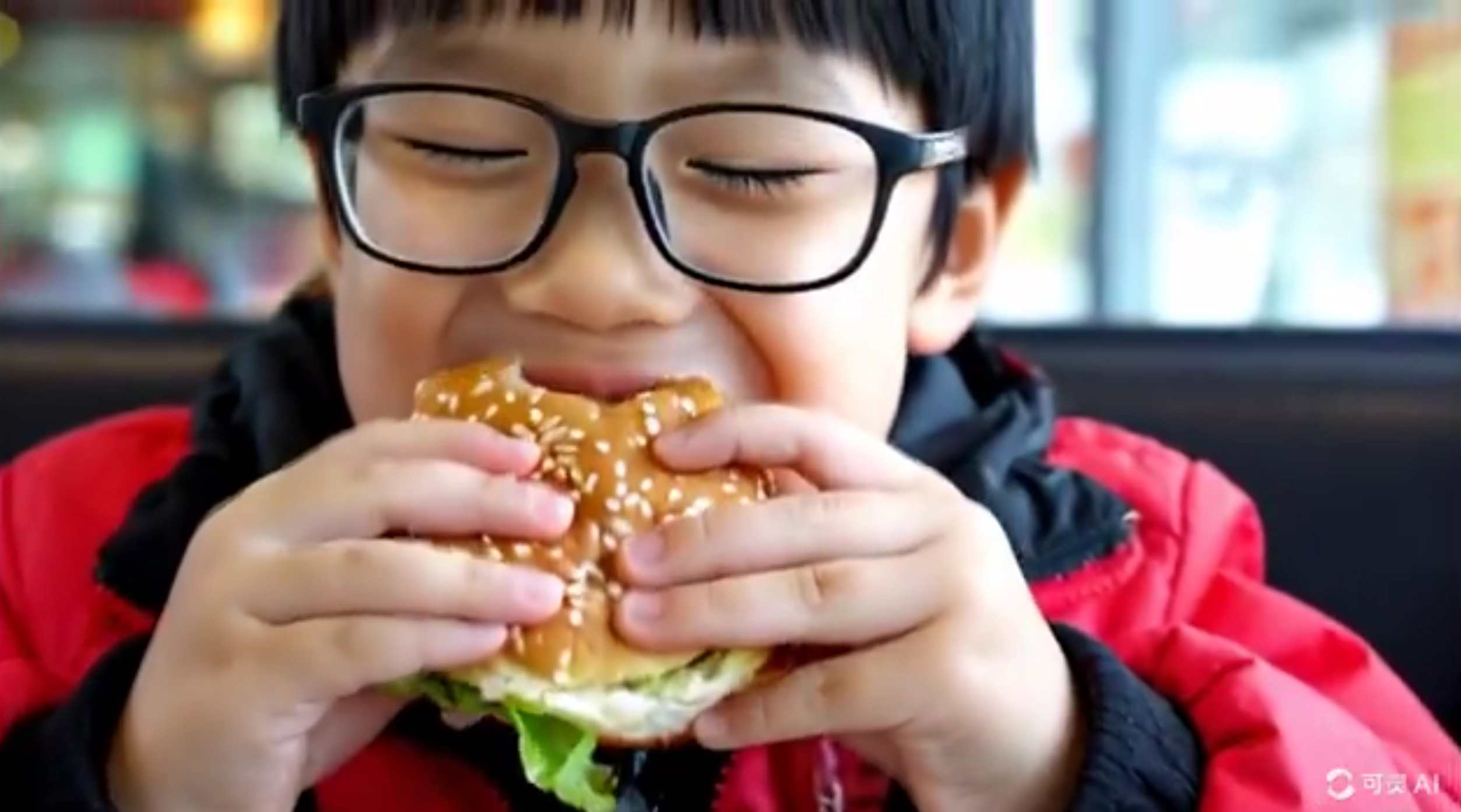
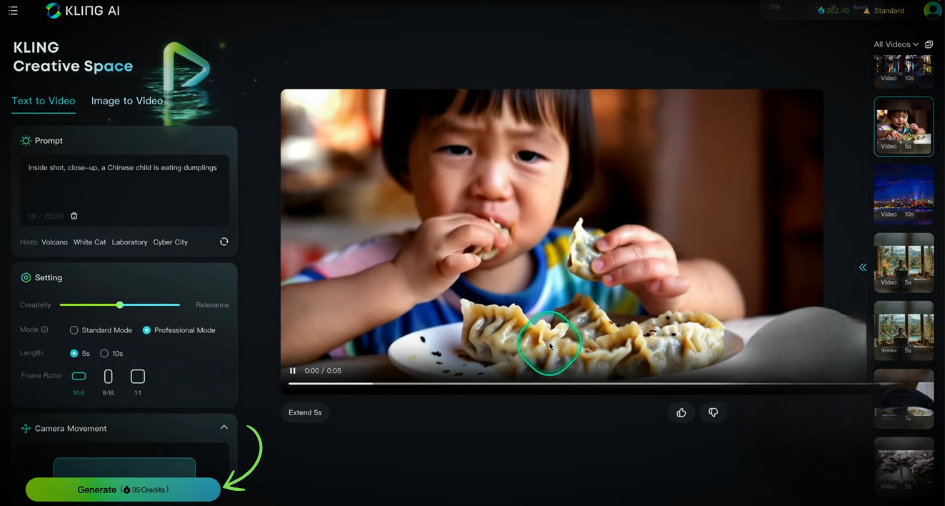
Kling AI is an innovative AI video generator developed by Kuaishou Technology. It swiftly transforms text prompts or images into videos. You can create videos from text, images, or even extend existing videos. Kling AI allows the creation of videos up to two minutes long in 1080p resolution at 30 frames per second.
A standout feature is the 3D Spatial-Temporal Attention system, ensuring realistic movements and physics, enabling Kling AI to manage complex ideas and real-world physics. This means you can produce cinema-quality videos that handle significant movements and various aspect ratios, ideal for social media or professional projects. Additionally, Kling AI includes AI image generation, AI lip sync for realistic facial expressions, and vintage video effects to enhance the quality and style of your videos.
User-Friendly Interface of Kling AI
Kling AI is incredibly user-friendly, even for those who have never edited a video before. The interface is straightforward, requiring only a script or image upload. This simplicity makes it an excellent choice for content creators, marketers, and educators. It is accessible via iOS and Android apps or through a web interface. With onboarding steps and tutorials, new users are guided effectively. Supporting multiple languages, Kling AI is accessible to a global audience. For instance, a marketer can quickly create a promo video by entering a product description and selecting a style—it's that straightforward and efficient.
Kling AI's Cost-Effective Plans
Kling AI offers a free plan with daily credits for basic use, ideal for individuals or small businesses on a budget. For those needing more features, paid plans start at $3.88 per month for the Standard plan, $12.88 for the Pro, and $28.88 for the Premier. These plans include extras like watermark removal, faster access, and image upscaling. Compared to traditional video production, Kling AI is significantly cheaper, saving both time and money. Some case studies highlight e-commerce businesses producing hundreds of product videos in under an hour, drastically reducing costs and turnaround times.
Kling AI's Robust Customer Support
Kling AI is committed to providing a seamless user experience with robust customer support. Onboarding steps and tutorials are available within the apps and web interface to assist users in getting started. For beta tester access or any issues, users can email support at kling@kuaishou.com. Supported by Kuaishou Technology, a large tech company with a global reach, Kling AI assures ongoing development and support, providing the resources and assistance needed to maximize your video projects. For access issues, simply reach out to the official support address for help.
Frequently Asked Questions About AI Video Generators
Best Value AI Video Generator for Your Budget
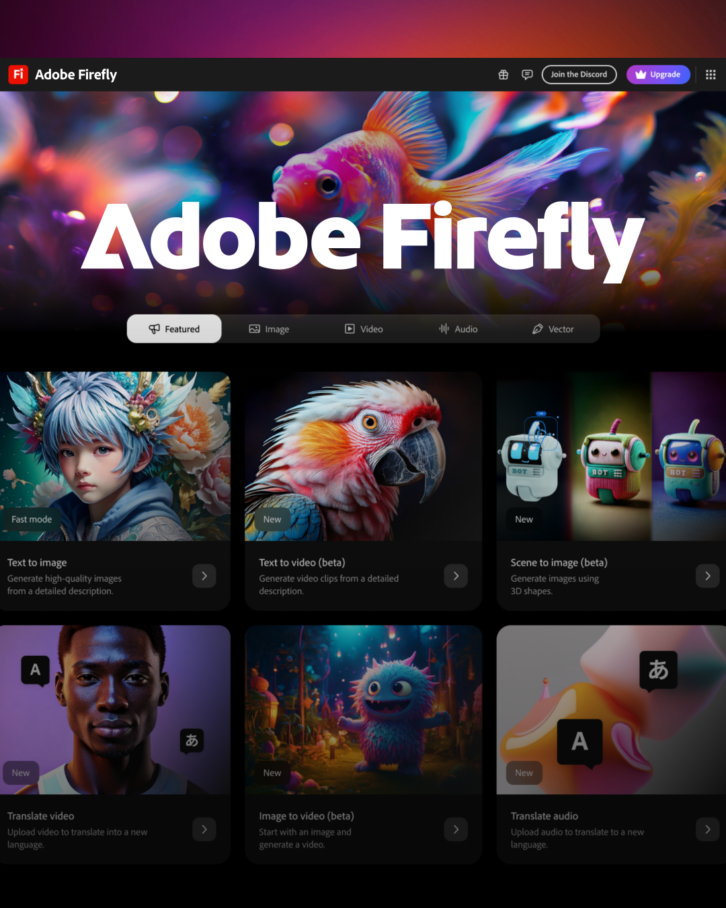
When evaluating AI video generators, it's crucial to consider both cost and features. Adobe Firefly stands out with its commercial-use-safe AI video tool, ensuring you won't face legal issues with your creations.
InVideo offers a free version with limited features, but its paid plans unlock perks like voice cloning and iStock access, making it a compelling choice if you're willing to invest a bit more.
For those on a budget, VEED provides a free AI video generator with built-in editing tools, ideal for creating and tweaking videos without significant expense.
Comparing Runway's Gen-3 Alpha to Other AI Video Generators
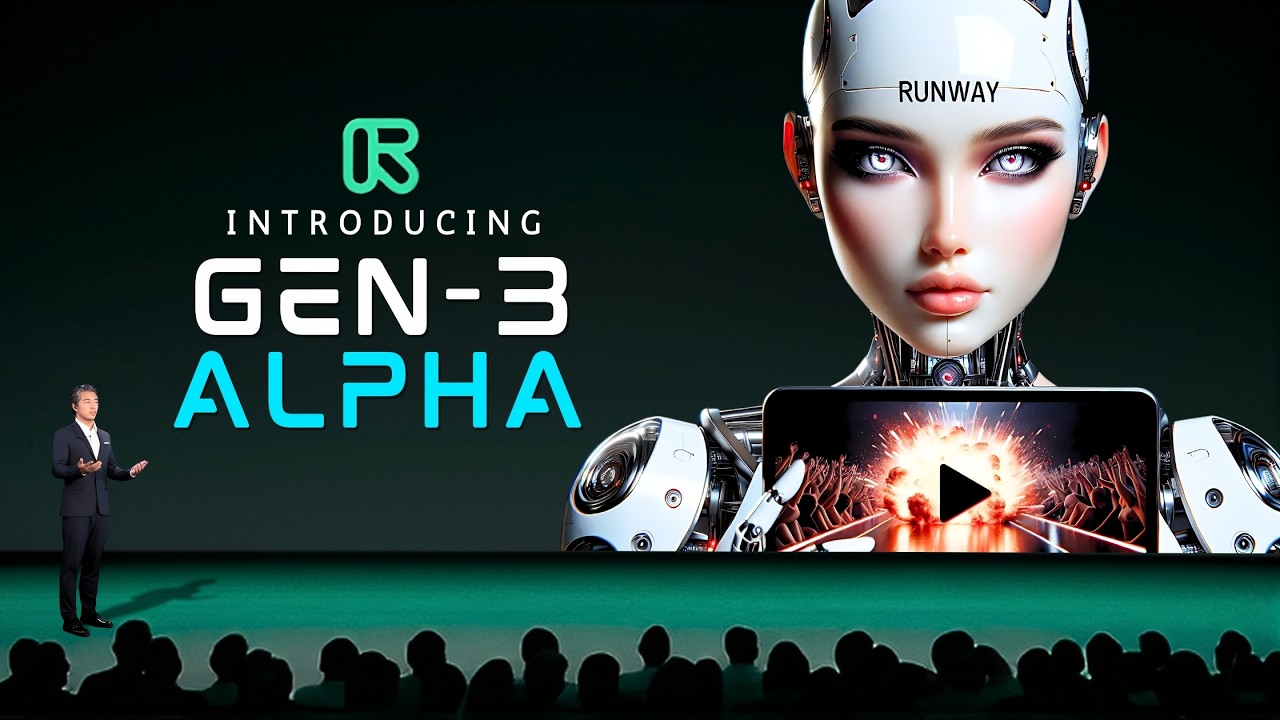
Runway's Gen-3 Alpha makes a strong impression with its video-to-video features, including 4K upscaling, putting it on par with tools like Topaz Video AI that focus on video enhancement.
While Runway excels in these areas, platforms like Adobe Firefly and VEED are more about transforming text into video. Runway is perfect for projects requiring a consistent visual style, offering creators a polished and unified look for their videos.
Creating Commercial-Ready Videos with AI Video Generators
Absolutely, AI video generators can produce high-quality videos suitable for commercial use. Adobe Firefly is noteworthy for creating IP-friendly videos safe for commercial purposes.
Platforms such as Veo 3 and HeyGen also support commercial use, making them excellent choices for businesses aiming to incorporate videos into their marketing and professional endeavors. The quality and commercial readiness depend on the platform's specific features, so selecting one that aligns with your business needs is essential.
| AI Video Generator | Free Plan Features | Paid Plan Starting Price | Key Features |
|---|---|---|---|
| DeepBrain AI Studios | Limited videos | $15/month | AI dubbing, multi-avatar scenes, AI voice cloning |
| Runway AI | HD video exports | N/A | Text and image-to-video conversion, 4K exports, motion tracking |
| Synthesia | 36 minutes annually | $18/month | Multilingual dubbing, over 230 avatars, update videos easily |
| Google Veo 2 | Included in Workspace | $20/month (Gemini Advanced) | 4K resolution, cinematic effects, real-world physics simulation |
| Kling AI | Daily credits | $3.88/month | 3D Spatial-Temporal Attention, 1080p resolution, AI lip sync |





